Can SUPERBOX Manufacture Packaging Based on an Ai-Generated Visualization?

In most cases, yes, we can. However, there is one important condition: a packaging manufacturer cannot use an AI-generated image directly for production. An AI visualization is an excellent starting point for a design concept, but production requires a professional production file, which current generative models cannot yet create independently.
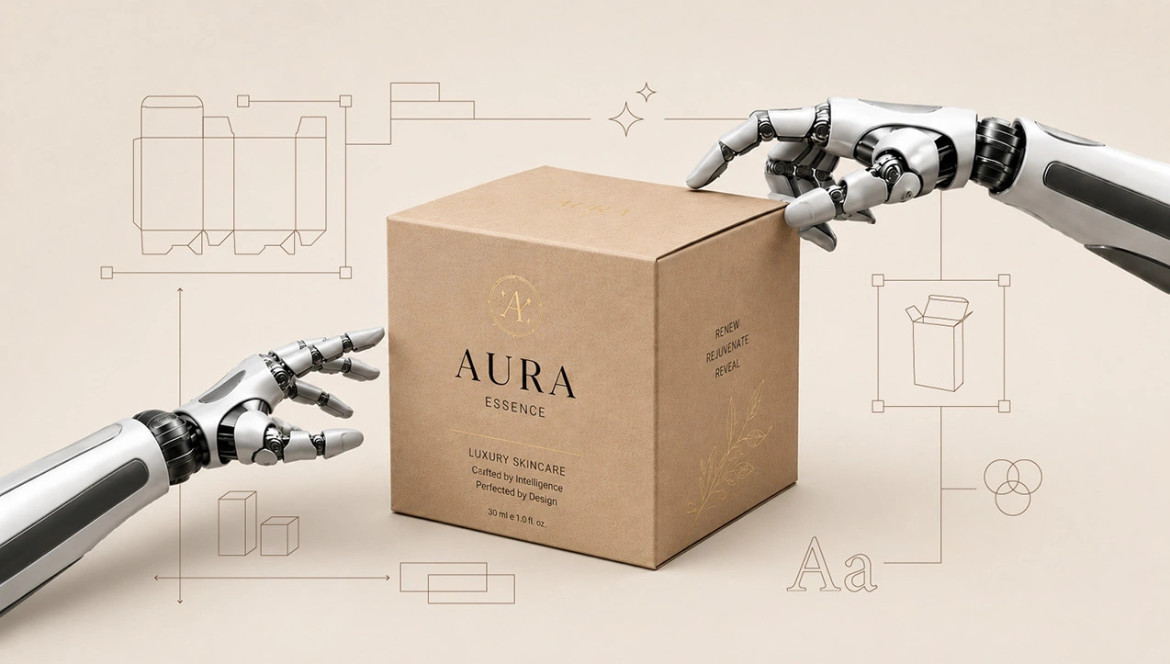
We have been manufacturing packaging for many years. Since the emergence of Artificial Intelligence, we have not only integrated AI into our daily operations but also continuously tested the technology's ability to generate professional content for packaging production. We must admit that, currently, AI tools (such as Midjourney or DALL-E) create truly impressive 3D packaging visualizations, but they still lack the technical parameters essential for manufacturing. What we see on the screen is a beautiful image; however, to transfer an AI vision onto a real package, the expertise of a packaging designer is still required.
It Starts With a 2D Drawing and Layout
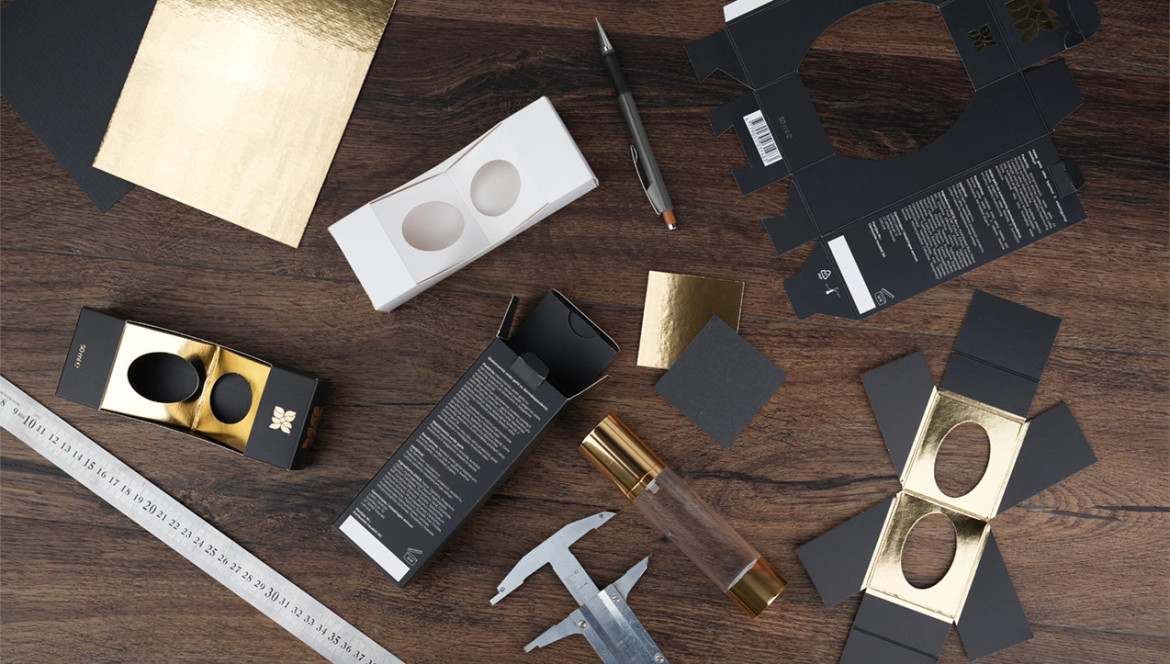
Artificial Intelligence can generate highly original-looking boxes, but these are 3D images. Files for production (the technical drawing and the packaging layout) must be submitted in 2D, not 3D format! Therefore, it is impossible to "launch" an AI-generated image directly into production. First, a SUPERBOX structural designer must create a real technical drawing—a dieline—that matches the actual dimensions of your product. Proportions seen in AI images often do not correspond to real-world measurements; AI does not account for the thickness of the raw material and often inaccurately represents the specific packaging model.
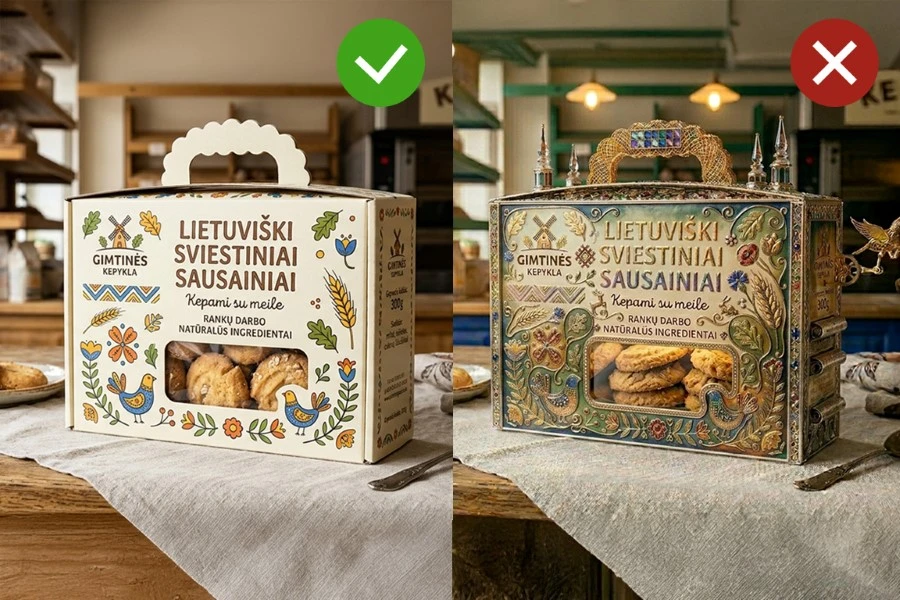
In the photo, we compared two AI-generated designs for cookie boxes with handles:
- On the left: A package that can be realized. Its construction is logical, the illustrations are clear, and it can be manufactured from corrugated cardboard.
- On the right: A package that remains only a vision. It features unrealistic effects and textures, overly complex illustrations, and strange 3D details that are not actual packaging elements.
Preparing Graphics for Print
Generative models create a seamless packaging image from pixels on a computer screen, but professional printing requires a combination of high-resolution raster images (photos) and vector elements (text, symbols). This means a packaging designer must redraw AI-generated elements, logos, and texts using professional software (e.g., Adobe Illustrator) to ensure the print on the box is sharp and high-quality. Sometimes, clients submit highly complex AI visualizations that are technically difficult to transfer onto a real layout. Images generated on screen look fantastic, but transferring them into a 2D layout can be practically impossible or may require many hours of a designer's work.
Color Matching
Keep in mind that production utilizes the CMYK color space. Even if a higher-resolution image is generated, the print may not meet expectations if its color profile is RGB. This is because RGB (Red, Green, Blue) are screen colors produced by emitting red, green, and blue light, whereas CMYK (Cyan, Magenta, Yellow, Black) are colors printed on paper by mixing cyan, magenta, yellow, and black ink dots. Screens can display significantly more colors than can be achieved with ink; therefore, by simply printing a "screen" image, colors will convert automatically, and many bright shades will disappear, potentially making the print look grayer and duller than expected. By performing the conversion from RGB to CMYK yourself, you can maintain better control over the result and adjust areas that do not satisfy you.
Why Visualization Resolution Is (Not) Enough
Another common problem is image resolution. Although AI tools can now generate high-resolution images, they are still standardly optimized for digital viewing. When attempting to print an AI-generated image on a larger package, it becomes blurry and loses quality. To achieve the 300 DPI standard required for offset printing on a real-sized package, a user needs to generate images intelligently with AI, using "upscale" commands that generate a higher pixel count. When preparing a packaging layout for print, a professional packaging designer ensures the quality of all layout elements and coordinates the colors. They use specialized tools to increase image resolution or redraw elements in vector format, ensuring a high-quality print result.
The Reality of Materials
If you see a beautiful textured cardboard in an AI visualization, it means the packaging manufacturer must find a physical material for your project. This is not an easy task, as the selection of materials in reality can be limited. Furthermore, a client may be unpleasantly surprised by the price of decorative cardboards. It also happens that it is impossible to find an equivalent of the material shown in the visualization within our market, leading to disappointment for a client who has "fallen in love" with the image on the screen.
Printing Effects
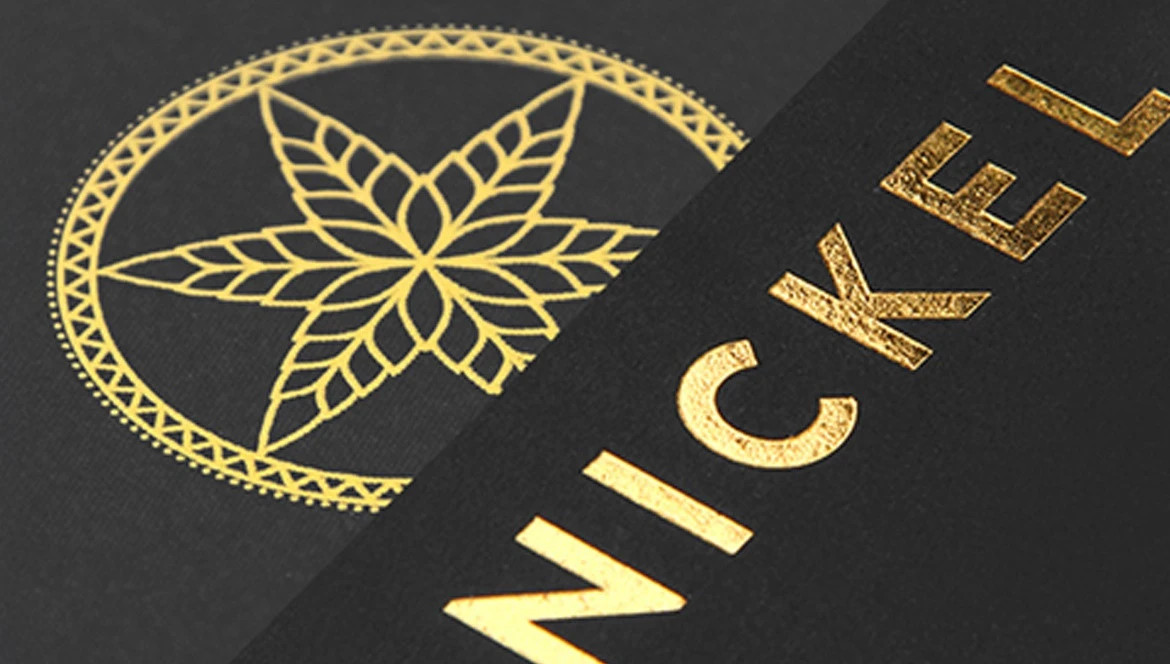
If you see shiny details, gold foiling, or embossed elements on an AI-created package, this must be reflected in the production file. A designer must select the appropriate technologies (foil stamping, UV varnish, or embossing/debossing) and prepare additional layers in the layout to achieve an effect as close as possible to the vision. Sometimes we see that everything looks "too good" in a visualization compared to what is physically possible to manufacture, and we strive to explain this to the client.
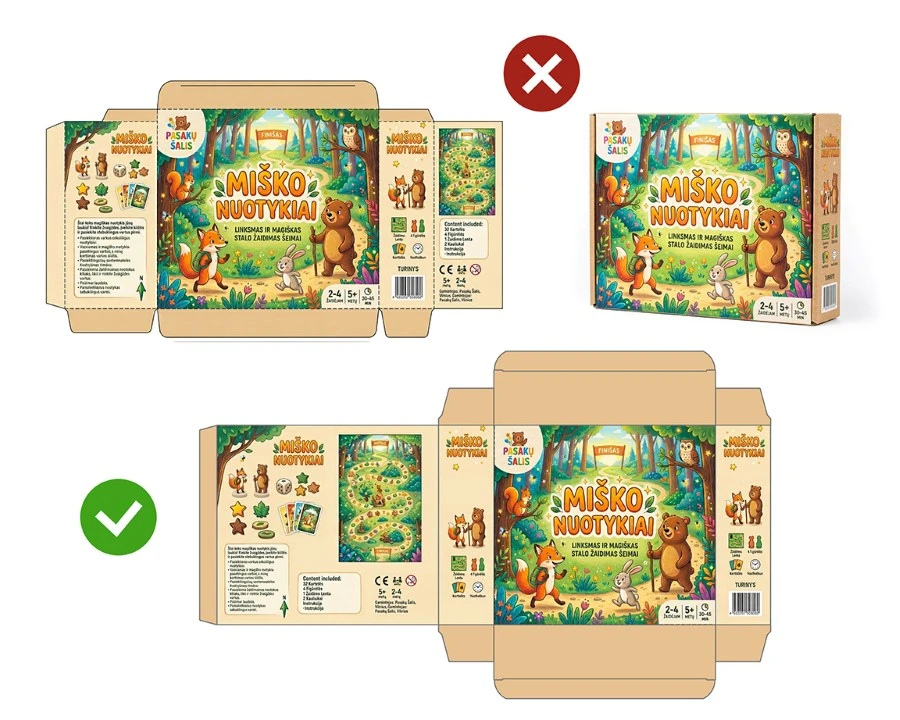
In the photo, we see a packaging design for a children's board game:
- At the top: An AI-generated drawing. At first glance, it looks decent, but it is unsuitable for professional use due to numerous errors: inconsistent wall sizes, closure flaps that are too small, and a general layout that does not correspond to any real packaging model construction.
- At the bottom: The correct technical drawing for this box model. There are obvious differences in construction and proportions compared to the AI-generated version.
Mandatory Information on the Packaging
Artificial Intelligence in packaging visualizations often provides only the primary text, while the fine print is either not generated or generated incorrectly. AI does not yet apply legal regulatory requirements for packaging; therefore, you must provide the content yourself, and the designer will have to insert your barcodes, ingredient lists, instructions for use, packaging symbols, and other mandatory information into the real layout.
SUPERBOX advice: An AI-generated image is only a vision that helps us understand your expectations. Provide this visualization to us, and we, together with professional structural and graphic designers, will turn it into technically correct production files, which will later become a real, high-quality package. Let’s hope that soon AI will also be able to generate production-ready packaging files, as often the longest stage in packaging production is not the manufacturing itself, but the creation and coordination of the drawing and layout.